Uninstalling an app rarely removes what it put inside your theme. ThemeMedic finds that leftover code, explains every finding in plain language, and removes it safely — with a full backup taken first.
Read-only until you say so. Backup first, restore any time.
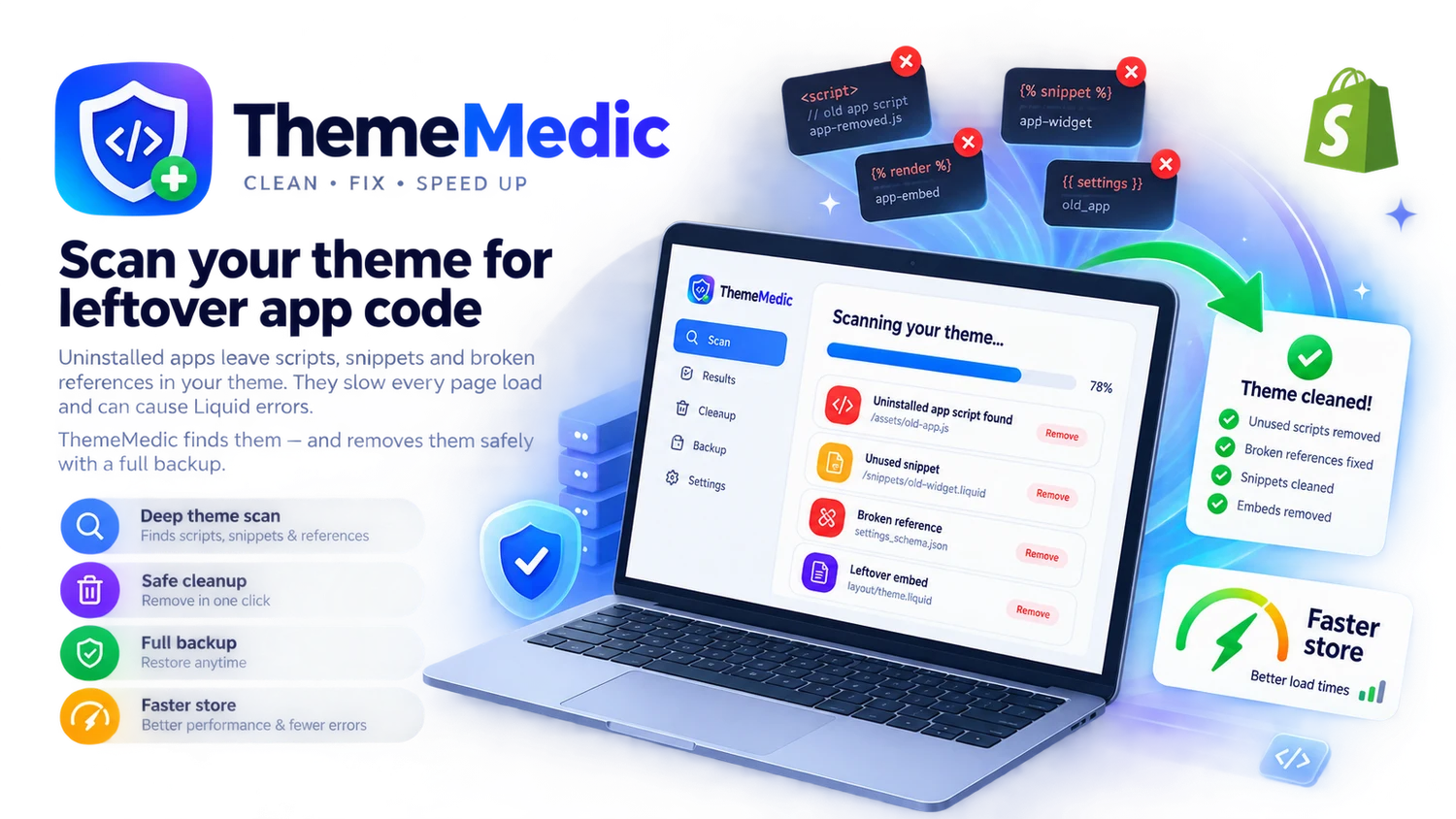
Every app you have ever installed and removed can leave something behind. ThemeMedic is the tool that finally clears it out.
Scripts, snippets and broken references left behind by apps you removed months ago — still loading on every page view.
No cryptic file paths. Each issue says what the code is, which app added it, and exactly what the fix will change.
A full theme backup is saved automatically before anything is touched, and one click restores it.
The recommended mode creates a cleaned draft theme, so your storefront stays untouched until you publish it yourself.
ThemeMedic keeps watching and emails you when new clutter appears in your theme.
The whole interface follows your Shopify admin language.
Letting an app edit your theme is a big ask. That is why ThemeMedic is built the cautious way round: it backs up first, works on a copy by default, and never touches a single line without your explicit confirmation.
ThemeMedic reads your theme files and looks for known app signatures, broken renders, dead resources and orphaned snippets.
Every issue comes with a plain-language explanation, the exact lines involved and what the fix will do.
Pick what to remove. ThemeMedic backs everything up first, then cleans a copy of your theme — or the live one, if you prefer.
Want the details? Read the full documentation.
Pay only when you want the cleanup done — billed through Shopify.
Enter your store domain to install, or find ThemeMedic in the Shopify App Store.
Yes. A full backup is created before any change and can be restored in one click. The recommended mode does not touch your live theme at all — it produces a cleaned draft copy for you to review first.
Code left by uninstalled apps, renders pointing to snippets that no longer exist, script and style tags whose files are gone, and snippets nothing references any more.
No. Every finding warns you before removal and tells you which app it belongs to. You choose what gets cleaned — nothing happens automatically.
Scanning is always free. Cleanup, backups and restore are part of ThemeMedic Pro.
The opposite — that is the point. Dead scripts load on every page view; removing them is one of the cheapest speed wins available.
The scan is free and read-only. You will know within a minute how much dead code your storefront is still loading.